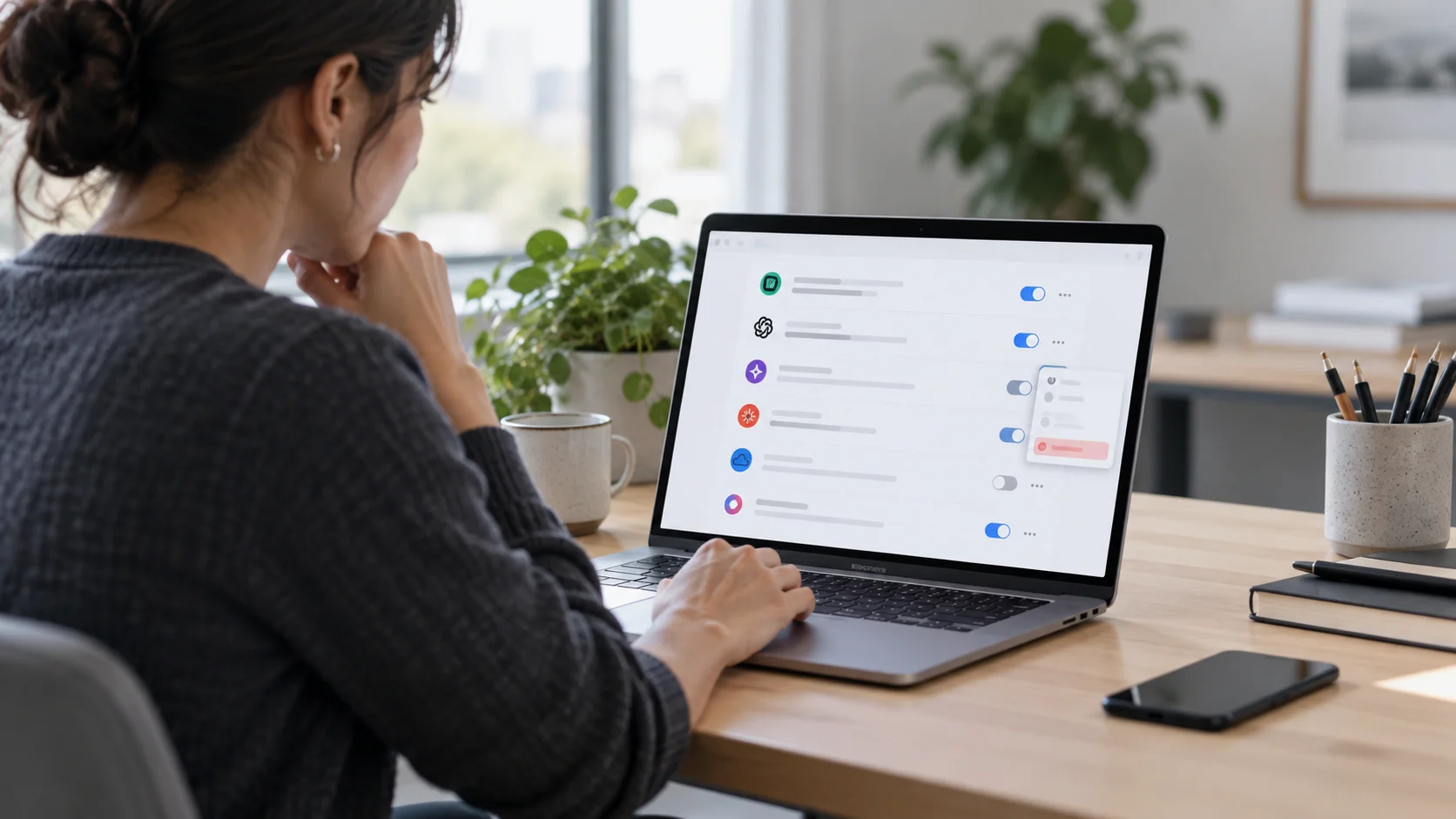
You tried an AI app for a few days.
Maybe it summarised email, searched files, created notes from your calendar or connected itself to a work chat.
Then you decided you did not need it, deleted the app from your laptop and carried on.
Job done?
Not necessarily.
Deleting software from a device removes the local app. It does not prove that the service has lost access to the work accounts you connected earlier, and it does not erase data the provider may already have received.
There are three separate things to think about:
- the app on your device
- the permission it was given to another service
- the data or credentials it may already hold
Sometimes one product action removes more than one of these. Sometimes it does not.
The safe rule is simple: verify rather than assume.
Why deleting the app may not disconnect it
Many AI tools connect to Google, Microsoft, Slack, GitHub and other platforms through account links, OAuth permissions, browser permissions, API keys, personal access tokens or other credentials.
The app on your laptop is only one part of that relationship.
OAuth even has a separate token-revocation mechanism. That does not mean every uninstall leaves access behind. Well-behaved apps may revoke their own tokens when you disconnect or uninstall them.
The practical point is that uninstalling and revoking are different actions, so you should confirm what actually happened.
If you want the earlier part of this story, see Your employee just connected an AI tool to work. Now what?.
Start with one question: what was it connected to?
Before removing anything, work out what the AI service could reach.
Did it connect to:
- Google Workspace
- Microsoft 365
- Slack
- GitHub
- file storage
- a CRM
- a calendar
- a browser extension
- a project-management platform
- an automation tool
- several of these at once
The answer matters because the clean-up often needs to happen inside the service that granted access, not only inside the AI product.
If an assistant connected to both Google Workspace and Slack, for example, you may need to remove those connections separately.
Google: know which kind of link you created
Google distinguishes between several types of connection.
Sign in with Google is mainly an identity link. Removing it stops that sign-in relationship, but it does not take back data the third-party app already received.
Other account links and data-access grants can give the third party broader access. Google provides a Linked apps page where you can review and remove these connections.
The important distinction is this:
Can it still fetch new data?
and:
What has it already kept?
Those are different problems.
For business Google Workspace accounts, administrators can also control which third-party apps may access Workspace data. That is useful when the issue is larger than one employee's personal connection.
Microsoft 365: admin consent and user consent are different
For Microsoft 365, application permissions are managed through Microsoft Entra.
Administrators can review enterprise applications and inspect what permissions have been granted.
But there is an important nuance: not every consent grant can be revoked from the same place in the Entra portal.
Tenant-wide admin consent can be managed by administrators with the required Entra roles. User consent granted by an individual employee may need Microsoft Graph or PowerShell to remove, depending on the grant.
Also remember that changing your organisation's consent policy affects what users can approve in future. It does not automatically remove grants that already exist.
So if a questionable AI tool was already approved, deal with the existing grant rather than assuming a new policy has removed it.
Slack: app removal and individual authorisation are different
Slack can remove a third-party app from a workspace, but it can also revoke an individual member's authorisation.
Which action matters depends on how the app was connected.
If one employee authorised the service, that authorisation may need to be revoked.
If the workspace no longer needs the app, removing it entirely may be cleaner.
Slack also lets Workspace Owners restrict who can install and remove apps. If app approval is enabled, only Workspace Owners and app managers may be able to remove an app.
The principle is simple:
Remove the connection at the level where the connection actually exists.
Do not assume uninstalling something from one person's computer has removed a workspace-level integration.
GitHub: the person who authorised it may need to revoke it
GitHub makes an important distinction between a person's authorisation and an app installed on an organisation.
A user can review and revoke GitHub Apps they personally authorised.
An organisation owner can uninstall a GitHub App from the organisation, which stops that app accessing organisation resources.
But organisation and enterprise owners cannot revoke a member's personal GitHub App authorisation on that member's behalf.
That matters during offboarding.
If an employee has left, an owner may still be able to uninstall the app from the organisation, but the former employee's personal authorisation is a separate issue.
Also remember that GitHub access may involve more than GitHub Apps. OAuth apps and personal access tokens can provide programmatic access too, so check those when relevant.
Do not forget non-OAuth credentials
Some AI tools and coding assistants are connected using credentials that have nothing to do with OAuth.
Examples include:
- API keys
- personal access tokens
- app passwords
- webhooks
- service accounts
- saved deployment credentials
Revoking an OAuth connection will not remove these automatically.
If an AI tool was given a token or key directly, rotate or revoke that credential at the system that issued it.
This is especially important for coding tools, automations and deployment systems.
Browser extensions can have two layers of access
Browser extensions may have local browser permissions, such as permission to read or change pages you visit.
They can also be connected to a separate cloud account.
Removing the extension normally removes it from that browser profile.
But if you also signed into the vendor's service and connected Google, Microsoft, GitHub or another work system, review that connection separately.
Do not forget automations
An AI tool may also have been connected through a workflow rather than through a desktop app.
For example, someone may have linked it to:
- Zapier
- Make
- Power Automate
- Slack
- Teams
- a CRM
- a helpdesk
- a project-management system
If the automation still exists, data may continue moving even after the original app has gone.
A useful question is:
If the original laptop were switched off forever, could this service still reach our systems?
If the answer might be yes, you are dealing with a cloud connection, not merely installed software.
Check what it did before you cut it off
If the tool handled anything sensitive, take a quick look at available audit, sign-in or activity logs before or immediately after revoking access.
You are trying to answer two different questions:
- what could the tool access?
- what did it actually access or change?
You may not always have complete logs, but even a quick check can help you understand whether further action is needed.
Revoking access is not the same as deleting stored data
Suppose an AI tool had permission to read a folder in Google Drive.
You remove the connection today.
That should stop new access once the revocation takes effect, although there can be a short propagation delay.
But it does not necessarily erase:
- files the service already imported
- transcripts
- summaries
- prompts
- generated documents
- searchable indexes
- logs
- retained account history
Google notes that removing a link does not automatically delete information already shared with the third-party service.
So if you are removing an AI tool because of privacy, client confidentiality or security concerns, go one step further.
Check the AI provider's own account controls, privacy documentation and deletion process.
Our guide What happens to your data after you send it to an AI? explains why the data lifecycle matters after the original prompt or connection is over.
A practical disconnection check
When you stop using an AI service, run through this list.
1. Remove the local software
Uninstall the desktop or mobile app.
Remove any browser extension.
This reduces local exposure, but do not stop here.
2. Revoke connected-account access
Check the work account the AI tool was connected to.
That might mean:
- Google Account linked apps
- Google Workspace admin controls
- Microsoft Entra enterprise applications
- Slack installed apps and authorisations
- GitHub authorised apps, installed apps, OAuth apps or tokens
- another SaaS platform's connected-app page
Some of these actions require an administrator.
3. Rotate any direct credentials
If the tool was given an API key, personal access token, webhook secret, app password or service account credential, revoke or rotate it at the source.
4. Disable related integrations
Check whether the service is still part of an automation, workspace integration or other cloud workflow.
Remove anything that no longer has a legitimate business purpose.
5. Check the provider account
If necessary, delete projects, files, transcripts, history or the account itself through the provider's own controls.
A deletion request may still be subject to the provider's retention terms, backups, legal requirements or other documented exceptions.
6. Record what you changed
For a small business, this can be as simple as a note saying:
- which service was removed
- which work systems were disconnected
- which credentials were rotated
- who checked it
- whether stored data still needs attention
That makes the next review much easier.
Who can remove what?
The exact answer varies by platform, but this is the rough pattern:
- Google: the user can remove their own linked apps; Workspace admins can control third-party access more broadly.
- Microsoft: administrators can review enterprise apps, but user-consent grants may require Graph or PowerShell to revoke.
- Slack: individual authorisations and workspace-wide app removal are separate; app-management settings may restrict who can remove apps.
- GitHub: the authorising user can revoke their GitHub App authorisation; organisation owners can uninstall the app from the organisation but cannot revoke a member's personal authorisation.
This is why offboarding needs both a user view and an organisation view.
Signing out is not the same as disconnecting
Signing out usually ends your session with the AI service.
The permission it has to another system can be a separate relationship.
So after signing out, still check the connected-app settings of Google, Microsoft, Slack, GitHub or whichever service originally granted access.
What if the AI service is no longer available?
Sometimes the service has shut down, the employee has lost access to it, or nobody remembers how it was configured.
You can still work from your side.
Review the systems it connected to and remove anything you no longer recognise or need.
You do not need the old AI app to cooperate before you remove its access to your systems.
If the service may still hold sensitive information and you cannot determine what happened to it, document the uncertainty and decide whether it needs to be escalated under your normal privacy or security process.
What if the employee has left the company?
Offboarding is exactly when forgotten app connections become easy to miss.
Closing the employee's main account is important, but also review:
- applications they authorised
- integrations they installed
- automations they owned
- API keys and personal access tokens they created
- external AI accounts registered with the company email address
- browser extensions on managed devices
GitHub is a good example of why this matters: an organisation owner can uninstall an app from the organisation, but cannot revoke another person's personal GitHub App authorisation.
A simple offboarding checklist that includes connected apps, AI services and programmatic credentials is already a meaningful improvement.
Do not rely on memory
The weak point in all of this is that people forget what they connected.
Someone experiments with an AI tool in March.
It works for a few days.
They stop using it in April.
Six months later, nobody remembers that it may still be authorised to see a mailbox, calendar or repository.
That is why we recommend a lightweight periodic review.
Ask:
Which third-party apps, AI services and programmatic credentials can currently access our main work systems, and do we still need all of them?
That is also one of the checks in 20 AI safety checks a small business can do in 20 minutes.
One practical rule for small businesses
Give staff a clean-up rule that is as easy to remember as the connection itself:
If you stop using an AI tool, remove the app and verify that its access has been revoked everywhere you connected it.
Then add:
If it handled sensitive business or client data, check what the provider still stores and whether any credentials need rotating.
That covers most of the real risk without turning offboarding into a technical project.
The key idea
Deleting software removes software.
Revoking authorisation removes permission.
Rotating credentials closes direct access paths.
A provider deletion request asks the provider to remove the data it holds, subject to its documented retention terms.
Sometimes one product action handles several of these things. Sometimes it does not.
So when an AI experiment ends, do not ask only:
"Did we uninstall it?"
Ask:
"Can it still get into anything, and what has it already kept?"
That is the difference between removing an icon and actually closing the connection.