Featured guide
20 AI safety checks a small business can do in 20 minutes
A fast, practical 20-point check for small businesses that want a clearer picture of how staff use AI, what it can access and what needs fixing next.
Read the guide →Search our practical AI security guides.
Press Esc to close. Use Tab to browse results.
Securedby.ai helps everyday businesses understand what they can safely share with AI, how to connect business tools with less risk, and where permissions need more thought.
A fast, practical 20-point check for small businesses that want a clearer picture of how staff use AI, what it can access and what needs fixing next.
Read the guide →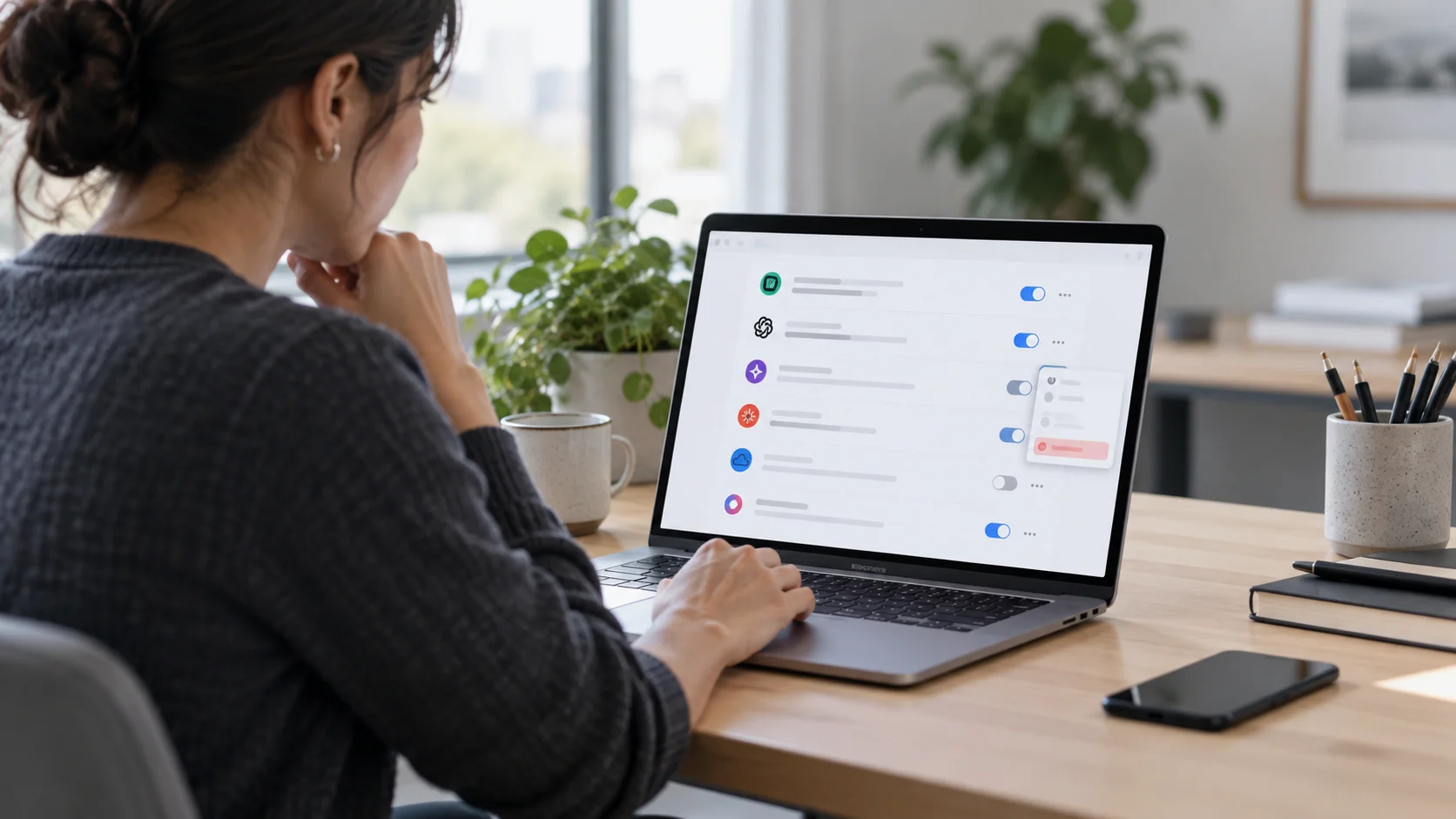
Deleting an AI app from a laptop does not always remove the permissions it was given elsewhere. Here is how to check Google, Microsoft, Slack, GitHub and the data the service may already hold.
Read →
AI security tools are starting to find and fix vulnerabilities automatically. Before you let one change production systems, check its permissions, approval steps, logging, isolation and rollback plan.
Read →
A calm, practical response for small businesses when a team member connects an AI tool to company email, files or other work systems without a clear approval process.
Read →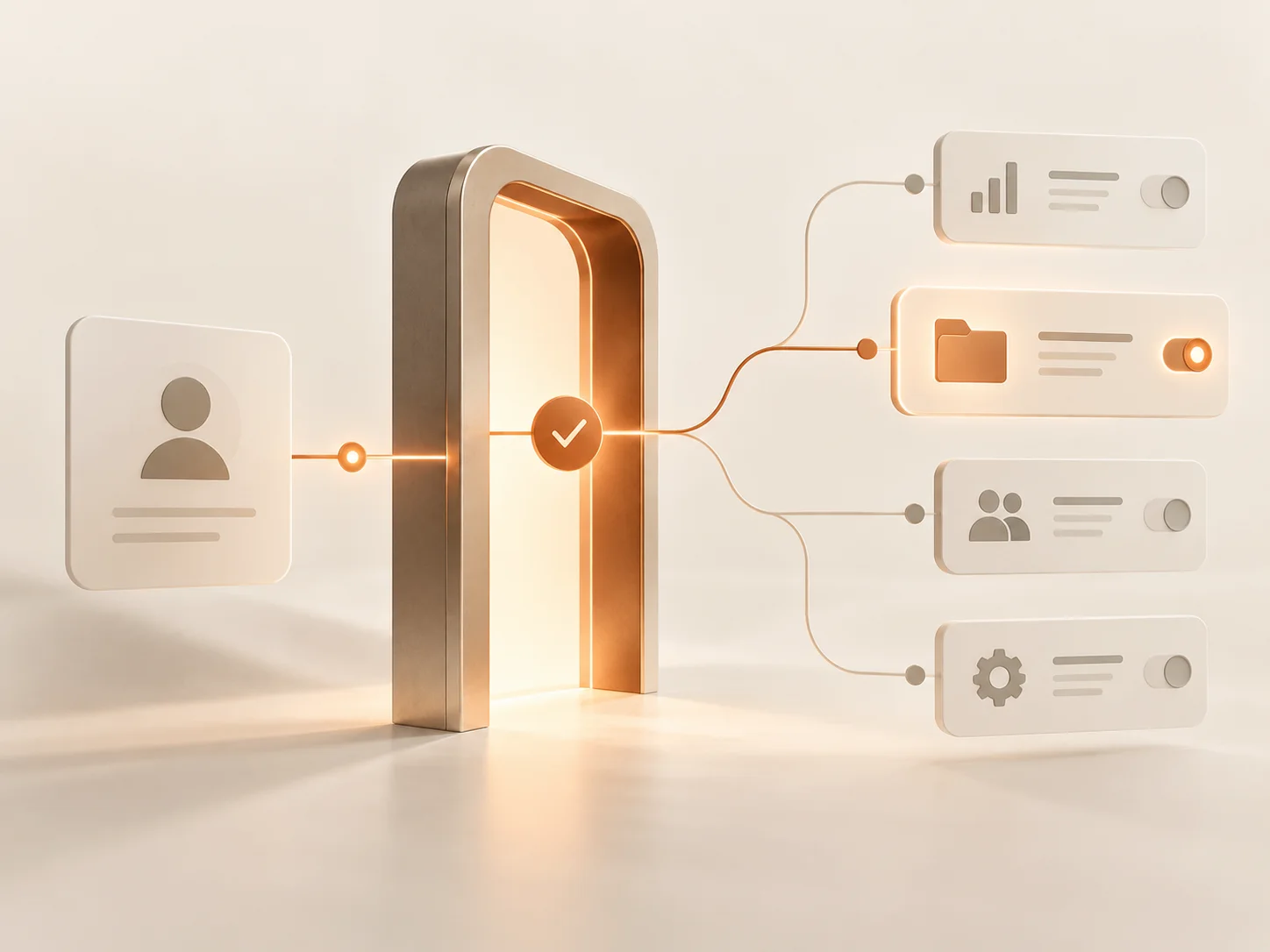
Signing in with Google or Microsoft is often just a login. Sometimes it is also a permission grant. Here is how to tell which one you just clicked.
Read →A curated mix of everyday AI assistants, creative tools and specialist security or governance products - with the useful bits and the permission questions explained in plain English.
A general-purpose AI assistant for writing, research, analysis, coding and business work. The important security question is not simply “is ChatGPT safe?” but which account you use, what you connect to it, and what information you allow it to reach.
A gateway layer between your application and AI model providers. Its value is visibility and control - but because prompts and responses can pass through it, logging choices become a security decision in their own right.
AI inside Figma for design, search, image work, prototyping and agent-assisted editing. Here the key question is unusually concrete: exactly which file or workspace can the person - and therefore the AI feature - work in?